The difference between creators who post consistently and those who do not usually comes down to one thing: scheduling. Not talent, not content quality, not audience size. Just whether they have built a system that makes posting effortless instead of a daily decision.
This guide covers everything you need to know about social media scheduling in 2026 — from building your first content calendar to advanced strategies like queue-based posting, evergreen content cycles, and batch creation workflows that turn hours of daily work into one focused weekly session.
Key Takeaways
- Scheduling transforms posting from a daily obligation into a weekly task — you batch-create content once and it publishes automatically throughout the week
- Consistency compounds — every platform's algorithm rewards accounts that post regularly, and scheduling is how you maintain that consistency without burning out
- Content pillars reduce creative friction — define three to five recurring themes and you will never start from a blank page
- Queue-based posting is the most efficient model — set recurring time slots once, then just add content to the queue as you create it
- Batch creation saves 40 to 60 percent of the time compared to creating and posting one piece at a time throughout the week
- Scheduling does not replace engagement — you still need to reply to comments, answer DMs, and interact with your community daily
Why Does Scheduling Change Everything for Social Media?
Scheduling fundamentally changes your relationship with social media by separating the creative process from the distribution process. Without scheduling, these two processes are tangled together — you create something and immediately post it, which means every single day requires a creative decision, execution, and publishing across multiple platforms. Some days you forget. Some days you are busy. Some days you just do not feel like it.
With scheduling, the workflow becomes: spend one focused session creating a week's worth of content, schedule it all, and do not think about posting mechanics again until next week. The result is the same content but with radically better consistency.
How Consistency Compounds on Social Media
Every platform's algorithm rewards accounts that post regularly. Instagram, TikTok, YouTube, X, Threads, Bluesky, Pinterest — they all prioritize active creators because active creators keep users on the platform. When you miss a day or two, you lose momentum. When you post consistently for weeks and months, the algorithm starts pushing your content to larger audiences.
The data supports this clearly. Accounts that post at least three times per week see 2x the follower growth rate compared to accounts that post once a week or less. Accounts that post daily see another 1.5x improvement on top of that. But posting daily across multiple platforms without a system is unsustainable, which is why scheduling exists.
Scheduling is how you maintain that growth-driving consistency without burning out.
The Psychology of Batching vs. Daily Posting
There is a psychological benefit to batching that goes beyond time savings. When you create content in a dedicated session, you enter a creative flow state that produces better work. Context-switching between creating content, editing, uploading, writing captions, and publishing interrupts that flow state repeatedly.
Batching also eliminates the daily stress of "What should I post today?" That question, asked 365 times a year, creates decision fatigue that degrades both your content quality and your motivation. When you plan and create a week's worth of content in one session, you make that decision once per week instead of once per day.
How Do You Build an Effective Content Calendar?
A content calendar does not need to be complicated. Overcomplicated calendars with color-coded categories, detailed audience personas, and multi-sheet spreadsheets look impressive but often get abandoned because they require too much maintenance. The best content calendar is one you will actually use consistently.
Step 1: Decide Your Posting Frequency
Be realistic about what you can sustain for months, not just this week. The biggest scheduling mistake is committing to an ambitious frequency, burning out after two weeks, and going silent for a month. A moderate frequency you can maintain indefinitely will always outperform an aggressive frequency you can only sustain temporarily.
| Frequency Level | Posts Per Week | Best For | Time Investment |
|---|---|---|---|
| Minimum viable | 3 per week | Busy professionals, small business owners | 2-3 hours/week |
| Growth mode | 5-7 per week (daily) | Active creators, growing brands | 4-6 hours/week |
| Aggressive | 10-14 per week (2x daily) | Full-time creators, media companies | 8-12 hours/week |
If you are just starting out, aim for three posts per week. You can always increase frequency once the habit is established and you have a workflow that supports it.
Step 2: Define Your Content Pillars
Content pillars are the three to five recurring themes you consistently create around. They serve two purposes: they make content creation faster because you never start from a blank page, and they train the algorithm to understand what your account is about so it can show your content to the right people.
Examples of content pillars by niche:
- Fitness creator — Workouts, nutrition tips, transformation stories, product reviews, day-in-the-life
- Small business — Product updates, industry insights, customer stories, behind-the-scenes, team highlights
- Marketing consultant — Strategy tips, tool reviews, case studies, common mistakes, industry news commentary
- Food/restaurant — Recipes, menu features, kitchen behind-the-scenes, customer reviews, local food scene
- Real estate agent — Market updates, home tours, buyer tips, neighborhood guides, client success stories
Your content pillars should balance value for your audience with what you enjoy creating. If you dread making one type of content, it will show in the quality and you will eventually stop creating it.
Step 3: Map Pillars to Your Schedule
Once you have your pillars and frequency, assign pillars to specific days. This removes the daily "what should I post?" decision entirely.
Example weekly schedule for a marketing consultant posting five days a week:
- Monday — Strategy tip (educational)
- Tuesday — Tool review or comparison (practical value)
- Wednesday — Case study or client result (social proof)
- Thursday — Common mistake or myth-busting (authority building)
- Friday — Behind-the-scenes or industry commentary (personality and relatability)
This framework means you always know what type of content to create on each day. The specific topic within that pillar changes weekly, but the format stays consistent.
Step 4: Batch Create Your Content
Instead of creating one post at a time, batch your creation into focused sessions. Set aside two to four hours once a week (or twice if you post more frequently) to complete the entire creation process for the coming week.
A batch creation session typically follows this flow:
- Ideation (20 minutes) — Review your content pillars and decide on specific topics for each day. Check trending topics in your niche for inspiration. Review past performance data to identify what resonated
- Production (60-90 minutes) — Film all videos, take all photos, create all graphics. Do all visual production in one session so you only need to set up lighting, camera, and wardrobe once
- Captions (30-45 minutes) — Write all captions while the content is fresh in your mind. Customize for each platform if you cross-post
- Scheduling (15-30 minutes) — Upload everything to your scheduling tool, set publishing times, and review the calendar view to ensure balanced coverage
Batching works because you stay in a single mode for an extended period. Filming five videos back to back takes far less time than filming one video on five separate days because you eliminate setup time, context-switching, and the mental ramp-up of getting into creative mode.
Step 5: Set Up Recurring Time Slots
Based on when your audience is most active, define recurring publishing time slots. Instead of manually picking a date and time for each post, set slots that repeat weekly.
Example time slots for a fitness creator:
- Monday 6:30 AM — Morning workout motivation
- Tuesday 12:00 PM — Quick nutrition tip
- Wednesday 6:30 AM — Workout tutorial
- Thursday 5:00 PM — Transformation/progress post
- Friday 12:00 PM — Weekend fitness challenge
With a scheduling tool that supports queue-based posting, you set these slots once and then simply drop content into the queue each week. The next piece of content automatically publishes at the next available slot. This is the most efficient scheduling model because it requires zero date and time selection per post.
What Are the Most Effective Scheduling Strategies?
Beyond the basic calendar approach, there are several scheduling strategies that can improve your results and efficiency.
The Queue Method
Queue-based scheduling is the most time-efficient approach. Instead of assigning each post to a specific date and time, you define recurring time slots and add content to a queue. The system publishes the next piece of content at the next available slot, in order.
This method is ideal when the exact date of publication does not matter — you just need consistent output. Most evergreen content (tips, tutorials, opinions, behind-the-scenes) works perfectly in a queue because it is not tied to a specific date or event.
How to set up a queue:
- Define your time slots (e.g., Monday/Wednesday/Friday at 10 AM and 5 PM)
- Create content and add it to the queue without specifying dates
- The system publishes the next queued post at the next available slot
- When you create new content, add it to the queue and it takes the next available position
A tool like cross-post supports queue-based posting with customizable time slots, which makes this workflow particularly smooth.
The Evergreen Cycle
Some content stays relevant forever: tutorials, tips, FAQs, how-to guides, opinion pieces. These evergreen pieces can be reshared on a cycle, reaching new followers who were not following you when the content was first published.
Here is how to implement an evergreen cycle:
- Identify your top 20 to 30 all-time best-performing posts
- Refresh them slightly — update the caption, change a hashtag, add a new intro sentence
- Schedule them on a three to six month rotation so each piece gets reshared two to four times per year
- Track performance to ensure reshared content still resonates. Remove pieces that no longer perform well
Evergreen cycling is underused because creators feel pressure to always produce new content. In reality, your audience turns over constantly. People who follow you today were not there six months ago. Content that performed well once will likely perform well again with a new audience.
The Event-Based Approach
Some content is tied to specific dates: product launches, holidays, industry events, seasonal trends, sales promotions. These posts should be planned and scheduled weeks in advance so you are never scrambling to create timely content last minute.
Build an annual events calendar that includes:
- Industry events — Conferences, awards, product launches in your field
- Holidays and observances — Only the ones relevant to your audience. Not every business needs a National Donut Day post
- Seasonal trends — Back-to-school, New Year's resolutions, summer vacation, holiday shopping
- Your own milestones — Business anniversaries, follower milestones, product launches, sales events
Schedule event-based content around these dates, and fill the gaps between events with your regular content pillar rotation.
The 80/20 Split
A practical scheduling framework is to divide your content into 80% scheduled and 20% real-time. The 80% is your planned content calendar — pillars, evergreen content, event-based posts — all scheduled in advance. The 20% is left open for spontaneous content: reacting to trending topics, responding to industry news, sharing real-time moments, or creating content based on audience requests.
This split gives you the consistency benefits of scheduling while maintaining the freshness and responsiveness that social media audiences value. If something trending comes up and you want to jump on it, you have room in your schedule. If nothing notable happens, your 80% scheduled content keeps you visible.
What Are the Most Common Scheduling Mistakes?
Even with the right tools and intentions, creators commonly make scheduling mistakes that undermine their results.
Over-Scheduling
Scheduling three posts a day when you can only sustain three a week leads to rapid burnout and declining content quality. The initial enthusiasm of filling your calendar weeks in advance fades quickly when you realize you need to produce 21 pieces of content every week. Start with a frequency you can maintain comfortably, then increase gradually as you build your workflow.
Set-and-Forget
Scheduling does not mean ignoring your accounts. You still need to reply to comments, answer DMs, engage with other creators, and participate in conversations on each platform. The algorithm tracks your engagement activity and rewards accounts that are actively present, not just actively posting. Schedule your content, but show up daily for community interaction.
Ignoring Real-Time Moments
Not everything should be scheduled. Breaking news, trending topics, spontaneous behind-the-scenes moments, and timely reactions should still be posted in the moment. If a major event happens in your industry and your scheduled post is an unrelated tutorial, consider replacing it with timely content or adding a real-time post alongside your scheduled one.
Same Time on Every Platform
Different platforms have different peak engagement hours, and your audience may behave differently on each one. Scheduling the same post to publish at 10 AM on every platform means you are optimizing for one platform and missing the mark on the rest. Use platform-specific time slots that match when your audience is most active on each platform.
Not Reviewing Performance
If you schedule content every week but never review what performed well and what flopped, you are flying blind. Set aside 15 to 20 minutes weekly to review analytics: which posts got the most engagement, which topics resonated, which posting times performed best. Use this data to improve next week's content calendar.
Scheduling Without a Calendar View
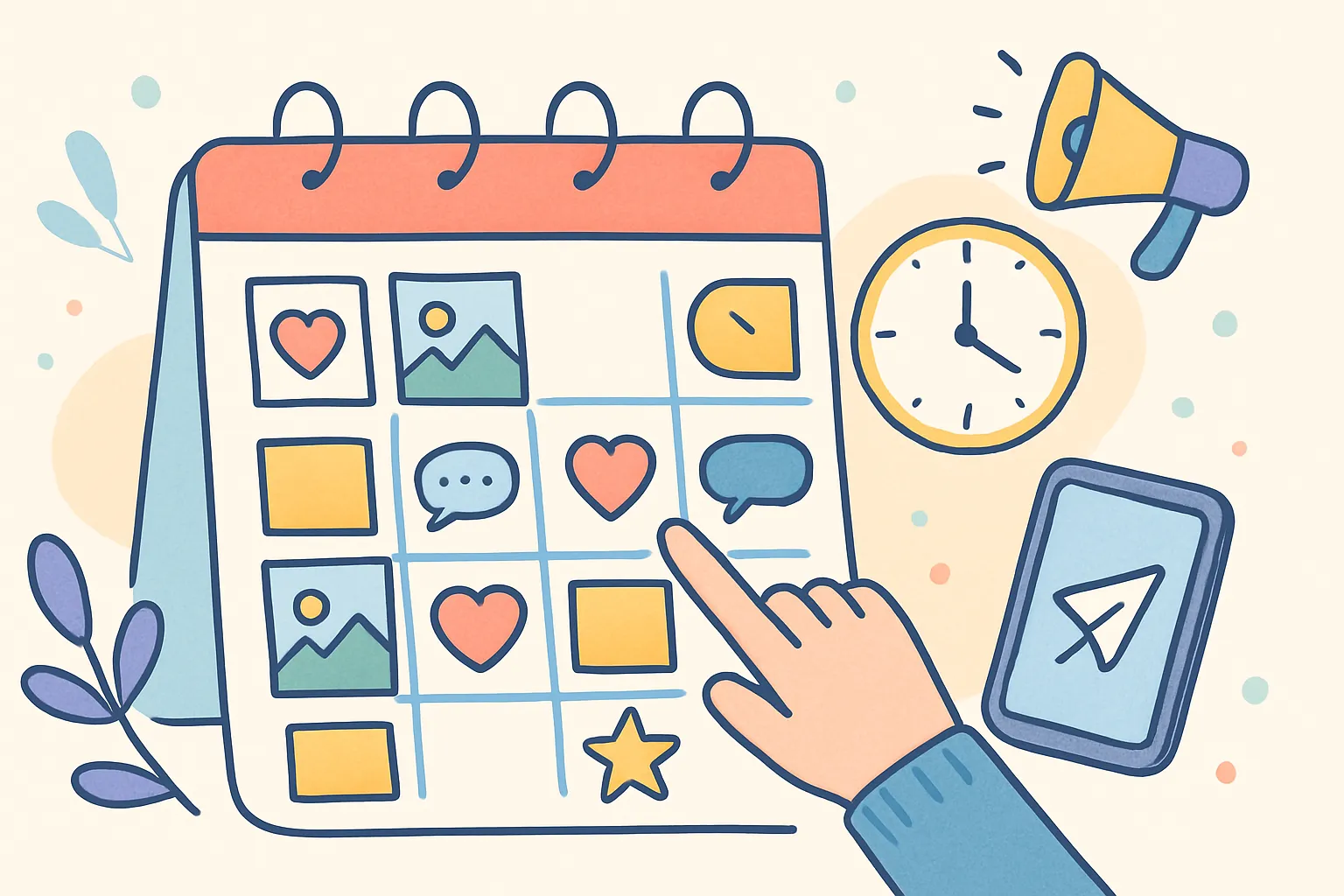
Publishing three pieces of content in one day and nothing for the next three days is a common mistake when scheduling without a calendar view. A visual calendar lets you see your entire week or month at a glance, ensuring even distribution of content across days and times. Most scheduling tools offer a calendar view — use it.
What Features Should a Social Media Scheduling Tool Have?
The tool you use matters less than the habit of scheduling, but certain features make the habit significantly easier to maintain.
Must-Have Features
- Multi-platform support — Schedule to all your active platforms from one dashboard. Switching between three different tools for three platforms defeats the purpose
- Queue/slot system — Define recurring time slots so you are not manually picking dates and times for every post
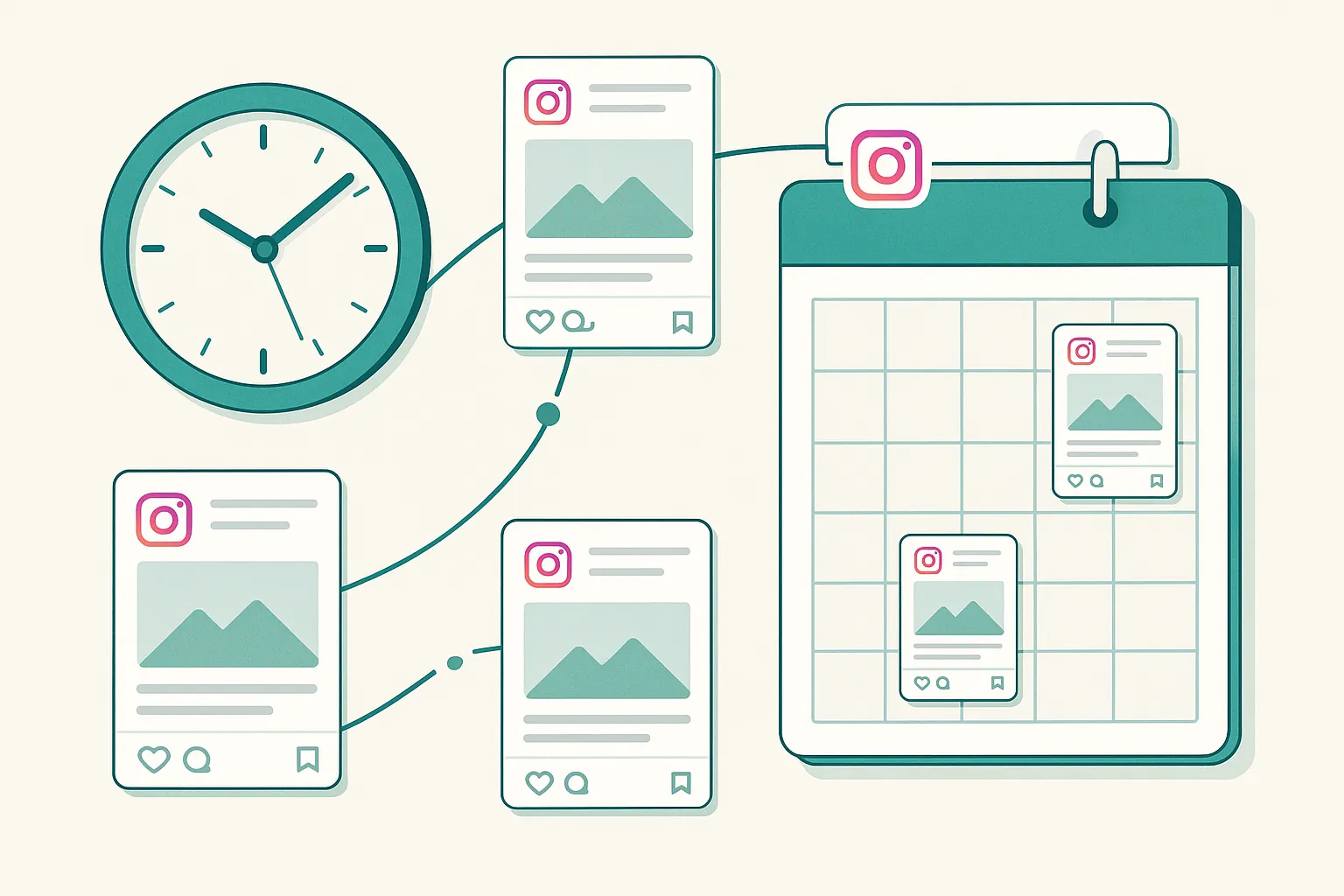
- Calendar view — See your entire week or month at a glance. Identify gaps and overloaded days before they happen
- Draft support — Save works-in-progress and come back to them. Not everything is ready to schedule in one session
- Media upload with preview — See how your post will look before it publishes. Catch formatting issues, aspect ratio problems, or caption errors before they go live
Nice-to-Have Features
- Bulk upload — Upload multiple pieces of content at once for efficient batch scheduling
- Per-platform caption customization — Write one base caption and tweak it for each platform from the same screen
- Analytics integration — See post performance without leaving the scheduling tool
- Team collaboration — If you work with a team, features like approval workflows and shared calendars are valuable
- Content library — Store and organize media assets for reuse across multiple posts
| Feature | Why It Matters | Impact on Workflow |
|---|---|---|
| Multi-platform posting | Eliminates switching between apps | Saves 30-60 minutes per scheduling session |
| Queue/slot system | Removes manual date/time selection | Saves 5-10 minutes per post |
| Calendar view | Prevents content gaps and overload | Improves consistency and balance |
| Bulk upload | Supports batch creation workflow | Saves 15-30 minutes per batch session |
| Per-platform captions | Enables cross-posting with adaptation | Improves per-platform performance |
How Do You Build a Sustainable Scheduling Routine?
The best scheduling routine is one you can maintain indefinitely. Here are proven approaches for different situations.
For Solo Creators
Dedicate one two-to-three-hour block per week to content creation and scheduling. Most solo creators find that Sunday evening or Monday morning works well because it sets up the entire week. During this session, create all content, write all captions, and schedule everything. Then spend 15 to 20 minutes daily on engagement only.
For Small Business Owners
If social media is one of many responsibilities, aim for the minimum viable approach: three posts per week, created and scheduled in a single 90-minute session. Pick one day that works consistently for your schedule and protect that time. A small business owner who schedules three solid posts every single week will outperform one who posts daily for a week and then disappears for a month.
For Marketing Teams
Teams benefit from a monthly planning cycle with weekly execution. Hold a monthly content planning meeting to decide themes, campaigns, and key posts for the coming month. Then assign weekly creation tasks to team members, with all content due by a set day for review and scheduling. Use a scheduling tool with collaboration features so multiple team members can contribute without stepping on each other's work.
For Agencies Managing Multiple Clients
Agencies need tools that support multiple accounts and client-level organization. Batch creation becomes even more critical when managing content for multiple brands. Dedicate specific days to specific clients and maintain a master calendar that shows all client content at a glance. This prevents cross-client confusion and ensures no client gets neglected.
How Do You Handle Scheduling Across Multiple Platforms?
When you are active on three or more platforms, scheduling becomes more complex. Each platform has different optimal posting times, different content format requirements, and different audience behaviors. Here is how to manage multi-platform scheduling efficiently.
The Unified Dashboard Approach
Use a single scheduling tool that supports all your platforms. Creating posts in one tool and scheduling across multiple platforms from one interface is dramatically faster than logging into each platform separately. cross-post is designed for exactly this workflow — connect your accounts, create once, and schedule to each platform at its optimal time.
Platform-Specific Scheduling Tiers
Not every platform needs the same level of attention. Organize your platforms into tiers:
- Tier 1 (primary platforms) — Your highest-performing platforms. These get original content, optimized captions, and carefully timed scheduling. Typically one to two platforms
- Tier 2 (secondary platforms) — Platforms where you have a presence but are not your primary focus. These get cross-posted content with adapted captions. Typically two to three platforms
- Tier 3 (presence platforms) — Platforms where you want to maintain a presence but do not invest significant creative effort. These get direct cross-posts of your Tier 1 content with minimal adaptation
This tiered approach ensures your best effort goes to the platforms that matter most, while still maintaining visibility everywhere your audience exists.
What Does a Complete Weekly Scheduling Workflow Look Like?
Here is a comprehensive weekly workflow that has been refined by creators who consistently post across multiple platforms.
Sunday Evening: Review and Plan (30 Minutes)
- Review last week's performance across all platforms
- Identify top-performing content and note what made it work
- Plan this week's topics based on your content pillars
- Check for any timely events or trending topics to incorporate
Monday: Create and Schedule (2-3 Hours)
- Film or produce all visual content for the week
- Write captions for each platform
- Upload to scheduling tool and set publishing times
- Review calendar view to ensure balanced distribution
Tuesday Through Saturday: Engage (15-20 Minutes Daily)
- Reply to all comments on scheduled posts
- Respond to DMs and messages
- Engage with five to ten accounts in your niche
- Post any real-time or spontaneous content that comes up
Saturday: Quick Audit (10 Minutes)
- Glance at this week's numbers
- Note any standout performers or unexpected flops
- Jot down content ideas inspired by this week's engagement
Total time investment: approximately four to six hours per week. This produces five to seven scheduled posts across multiple platforms, consistent daily engagement, and weekly performance tracking. It is sustainable for months and years, which is what growth requires.
Getting Started Today
You do not need a perfect system to start scheduling. Perfectionism is the enemy of consistency, and consistency is what drives growth. Here is the absolute minimum to get started:
- Pick three days this week to post
- Create all three posts right now, in one sitting
- Schedule them using any tool that supports your platforms
- Next week, do the same thing
- After two weeks, review what worked and refine your approach
After a month, you will have a rhythm. After three months, you will wonder how you ever posted without scheduling. The goal is not to automate your personality. It is to automate the logistics so you can focus your energy on creating great content and building real connections with your audience.
The goal is not to automate your personality. It is to automate the logistics so you can focus on creating great content.
Frequently Asked Questions
Does scheduling hurt engagement compared to posting manually?
No. Social media platforms do not penalize scheduled posts. The algorithm treats scheduled content identically to manually published content. The only potential engagement impact comes from scheduling at poor times, which is easily avoided by using your platform analytics to identify when your audience is most active.
How far in advance should you schedule social media content?
One to two weeks in advance is the sweet spot for most creators. This gives you enough runway to maintain consistency without making your content feel stale. For event-based content (holidays, product launches), scheduling two to four weeks ahead is appropriate. Avoid scheduling more than a month in advance for regular content because trends and audience preferences shift.
What is the best day to batch-create and schedule content?
The best day is whichever day you can consistently protect a two-to-three-hour block. Sunday evening and Monday morning are the most common choices because they set up the entire week. But if Thursday afternoon is your most reliably free time, use Thursday. Consistency of the scheduling habit matters more than which specific day you choose.
How many posts should you have in your queue at any time?
Aim to have at least one to two weeks of content queued. This gives you a buffer so that if you miss a creation session (illness, travel, unexpected busy week), your posting schedule does not break. Three to four weeks of queued content is ideal but not always realistic for solo creators.
Should you schedule the same content to every platform?
You can schedule the same core content to multiple platforms, but you should adapt the caption, hashtags, and formatting for each platform. The video or image can be identical, but the caption should match each platform's culture and character limits. Cross-posting with platform-specific adaptation is the most efficient approach.
What should you do if a scheduled post becomes irrelevant before publishing?
Most scheduling tools let you edit or delete scheduled posts before they publish. If something changes that makes a scheduled post inappropriate (a current event, a shift in your business, or breaking news), go into your scheduling tool and either update the post, reschedule it, or replace it with more relevant content. This is why maintaining a small buffer of spare content is useful.
Is it worth paying for a scheduling tool or should you use free options?
If you are posting to one or two platforms and do not need advanced features, free tools may suffice. But if you are active on three or more platforms and want features like queue-based posting, calendar views, and multi-platform scheduling, a paid tool typically pays for itself in time savings within the first week. Calculate the time value: if a tool saves you five hours per week and your time is worth $25 per hour, that is $500 per month in time savings.
How do you prevent scheduled content from feeling robotic or impersonal?
Schedule the content, but do the engagement manually. Scheduled posts handle distribution. Your personal replies to comments, your responses to DMs, your participation in conversations — these are what make your presence feel human. Additionally, leave room in your schedule (the 80/20 rule) for spontaneous, real-time content that shows your personality in the moment.
Ready to simplify your social media?
Post to Instagram, YouTube, TikTok, X, Threads, Pinterest, and Facebook from one dashboard.
Get Started Free →