Instagram Stories disappear after 24 hours, but their impact does not have to. Stories are where your most engaged followers hang out — the people who check your profile daily, tap through your content, and actually take action on what you share. Over 500 million accounts use Stories daily, and one-third of the most-viewed Stories come from businesses.
The problem is most people treat Stories as an afterthought. A quick photo here, a random repost there. No strategy, no structure, no call to action. The result? Views but no conversions. Here is how to create Instagram Stories that actually drive action — link clicks, DM conversations, product sales, and profile growth.
This guide covers every element of high-converting Stories: interactive stickers, storytelling arcs, link sticker strategies, design fundamentals, posting cadence, and how to turn your best Stories into permanent conversion tools through Highlights.
Key Takeaways
- Stories are sequential — they work as narratives, not standalone posts. Use story arcs (hook, context, conflict, resolution, CTA) to drive action
- Interactive stickers are not decorations — they are engagement tools that boost algorithmic priority and create data you can act on
- Link stickers work best when you build up context over 2-3 frames before presenting the link, not when you drop a link on frame one
- The text-video-text rhythm (alternating text frames with face-to-camera video) prevents viewer fatigue and builds trust
- Post 5-10 Story frames per day spread across the day to maintain visibility at the top of the Stories tray
- Save your best-converting Story sequences as Highlights — they become permanent sales tools on your profile
Why Are Instagram Stories Your Best Conversion Tool?
Stories have a strategic advantage over feed posts that most creators overlook: they are sequential. A feed post is a standalone piece of content competing in an algorithmic feed. A Story sequence is a narrative — and narratives drive action far more effectively than isolated posts.
When someone taps into your Stories, they have already made a micro-commitment to engage with you. They are not casually scrolling a feed — they are actively consuming your content frame by frame. This fundamentally changes the dynamic from passive viewing to active participation.
What Do the Numbers Say About Instagram Stories?
- Stories appear at the very top of the Instagram app — the highest-visibility placement on the platform, above the feed and before the Reels tab
- Brands posting Stories daily see 25-40% higher overall engagement compared to those who only post to the feed
- Interactive stickers (polls, quizzes, questions) increase engagement rates by 15-25% because they invite active participation rather than passive viewing
- Story link stickers are now available to all accounts regardless of follower count — no more 10K follower requirement
- Stories with face-to-camera video see 1.5-2x higher completion rates than text-only or image-only Stories
- Accounts that post Stories consistently stay near the front of the Stories tray, which operates on a recency-plus-engagement algorithm
The key insight: your feed grows your audience. Your Stories convert your audience. The feed is a discovery tool — it attracts new followers through the algorithm and explore page. Stories are a relationship tool — they deepen connection with existing followers and drive them to take specific actions.
How Stories Fit Into the Instagram Algorithm
Instagram's algorithm for the Stories tray is different from the feed algorithm. Stories tray position is determined by:
- Relationship — How much the viewer interacts with your account (likes, comments, DMs, profile visits, Story interactions)
- Recency — How recently you posted a Story
- Frequency of use — How often the viewer checks Instagram
This means every Story interaction — a poll tap, a quiz answer, a question response, a reaction — strengthens your position in that person's Stories tray. The more interaction your Stories generate, the more prominently they are shown to your followers. It is a virtuous cycle: engagement begets visibility begets more engagement.
Which Interactive Stickers Drive the Most Engagement?
Stickers are not decorations. They are engagement tools that serve specific strategic purposes — and every interaction signals the algorithm to prioritize your content. Understanding when and how to use each sticker type is the difference between Stories that get tapped through and Stories that generate real results.
How Should You Use the Poll Sticker?
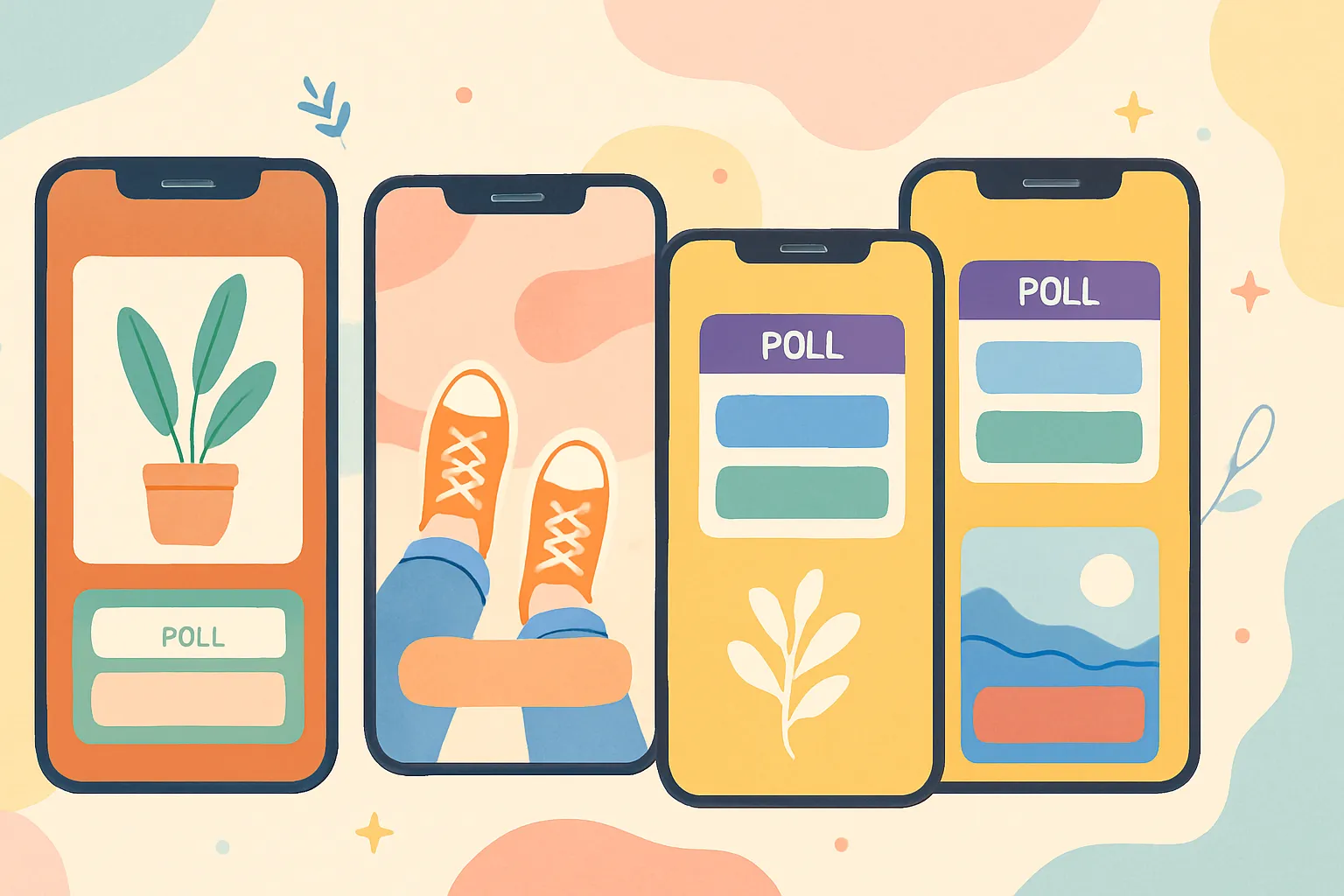
Binary choice polls are the simplest way to get your audience tapping. They require almost zero effort to interact with (just a tap), which means participation rates are high. But the real power of polls is strategic, not just engagement-farming.
Use polls for:
- Product decisions — "Which color should we launch first?" lets your audience co-create with you, which increases their emotional investment in the outcome and makes them more likely to buy
- Content direction — "Want a tutorial on A or B?" gives you built-in content research. You are literally asking your audience what they want to see next
- Audience qualification — "Are you struggling with [problem]?" segments your audience for follow-up offers. People who tap "yes" are warmer leads than people who tap "no"
- Myth-busting — "True or false: [common misconception]?" is educational and generates curiosity about the answer, keeping people watching for the reveal
- Social proof — "Have you tried [your product/method]?" results showing high "yes" percentages serve as social proof for those who voted "no"
Pro tip: after the poll closes, share the results in a follow-up Story. "75% of you said X — here's why that's exactly right" or "Interesting — most of you said Y, but here's what the data actually shows." This creates a conversation arc across multiple Story sequences.
How Should You Use the Quiz Sticker?
Multiple-choice quizzes test knowledge and create a dopamine hit when people get the answer right. The dopamine response is what makes quizzes addictive — people want to test themselves and feel smart. This psychological mechanism keeps viewers engaged.
Quiz stickers are great for:
- Testing audience knowledge — Then offering a resource (free guide, blog post, video) that fills the gaps they discovered
- Making educational content interactive — Instead of passively telling your audience facts, quiz them first. The act of guessing makes the correct answer stick better
- Creating a daily or weekly series — "Quiz of the Day" or "Test Your Knowledge Tuesday" gives people a reason to check your Stories regularly
- Building anticipation — Quiz your audience about an upcoming launch. "Can you guess what we're releasing next week?" generates buzz
- Establishing expertise — When you know the answer and your audience does not, it subtly positions you as the authority in your niche
How Should You Use the Question Sticker?
Open-ended question stickers generate DM-worthy conversations and are arguably the most powerful sticker for building deep audience relationships. Responses come directly to your inbox, opening 1:1 communication channels that are far more valuable than public comments.
Effective question sticker prompts:
- "What is your biggest challenge with [your niche topic]?" — Gives you content ideas and identifies pain points you can address in future posts or products
- "Ask me anything about [your expertise]" — Positions you as an accessible authority. The answers you give can become full Story sequences or feed posts
- "What should I cover in my next post?" — Crowdsourced content ideation that guarantees your audience wants what you are creating
- "What is one thing you wish you knew sooner about [topic]?" — Generates shareable wisdom and community bonding
- "Drop your [niche-related question] and I will answer it in my Stories" — Creates an ongoing Q&A series that builds loyalty
The key with question stickers is always to publicly share and respond to answers in subsequent Stories. When people see that their responses are featured, they are more likely to respond next time. This trains your audience to be active participants, not passive viewers.
How Should You Use the Slider Sticker?
The emoji slider lets people respond on a spectrum rather than a binary choice. It is the lowest-friction engagement tool available — just drag the emoji. Use it for:
- Gauging excitement about launches ("How excited are you for this?")
- Rating content ideas before you invest time creating them
- Adding a playful engagement moment that takes minimal effort to interact with
- Measuring sentiment about changes, new products, or directions
Slider stickers are best used as one element within a larger Story sequence, not as the centerpiece. They work well as the second or third frame after a hook.
How Should You Use the Countdown Sticker?
Countdown stickers build anticipation for launches, events, content drops, or any time-bound moment. When followers subscribe to a countdown, they get a push notification when it hits zero — essentially a free notification system outside of regular posting.
The strategic value of countdowns is the notification. Getting a push notification to someone's phone is enormously valuable. Use countdowns for:
- Product launches and pre-orders
- Live streams and events
- Content drops (new video, new course module)
- Sales and promotions
- Collaborations and partnership announcements
Post the countdown multiple times in the days leading up to the event. Each post is another opportunity for people to subscribe. The more subscribers, the bigger your launch-day audience.
What Storytelling Arcs Keep People Watching to the End?
Individual Story frames get skipped. Story arcs get watched to the end. The difference is structure. An arc creates narrative tension that pulls the viewer forward — they need to see what happens next. A random collection of unrelated frames creates no pull at all.
What Is the 5-Frame Story Arc?
The 5-frame arc is the foundational structure for Stories that convert. It follows the same narrative logic that makes movies, novels, and TED talks compelling:
- Hook (frame 1) — Grab attention immediately. A bold statement, surprising fact, or provocative question. "I almost made a $5,000 mistake yesterday." "This one change doubled my engagement in a week." "Nobody is talking about this algorithm update." The hook's only job is to stop the viewer from tapping to the next person's Stories
- Context (frame 2) — Set the scene. What is the situation? Why should the viewer care? Connect the hook to something the viewer relates to personally. "Here's what happened..." or "You've probably noticed that..."
- Conflict or challenge (frame 3) — What went wrong? What was the obstacle? What is the tension? This is the emotional core of the arc. "The problem was..." or "But then I realized..." or "What most people get wrong is..."
- Resolution (frame 4) — What happened? What did you learn? What worked? Deliver the value. This is the payoff the viewer has been waiting for. Make it specific and actionable
- CTA (frame 5) — Tell them exactly what to do next. Link click, DM you, tap a poll, save the related feed post, visit your profile. Never end a Story sequence without a clear next step
Which Story Arcs Convert Best?
Here are proven arc structures with examples of how to use them:
- Problem-solution arc — "I had this problem (one many of my followers face) → I tried these things (some failed) → This is what finally worked → Here is how you can do it too [link]." Best for establishing expertise and driving traffic to resources
- Behind-the-scenes arc — "Here is what I am working on → The messy middle of the process → The finished result → Want early access? DM me." Best for building trust through transparency and generating warm leads
- Transformation arc — "Before (the bad state) → What I changed (the action) → After (the result) → Full guide in my latest post [link to feed post]." Best for showcasing results and driving traffic to deeper content
- Day-in-the-life arc — "Morning routine → Work session showing your process → Results from today → Tools and resources I use [link to resource page]." Best for building parasocial connection and naturally promoting products or tools
- Myth-busting arc — "Everyone says X → But here is what actually happens → The data/experience that proves it → Here is what you should do instead." Best for positioning yourself as a contrarian authority
- Objection-handling arc — "The most common reason people do not [take action] → Why that reason is wrong → What actually happens when you do it → Ready to start? [CTA]." Best for overcoming purchase hesitation
How Long Should Story Arcs Be?
| Arc Length | Best For | Completion Rate |
|---|---|---|
| 3-5 frames | Quick tips, product showcases, daily updates | High (70-85%) |
| 5-8 frames | Story-driven content, tutorials, behind-the-scenes | Moderate (50-70%) |
| 8-12 frames | In-depth education, product launches, live recaps | Lower (30-50%) |
| 12+ frames | Major announcements, comprehensive walkthroughs | Low (20-35%) — only the most committed viewers |
For conversion-focused Stories, the 5-8 frame range hits the sweet spot. Long enough to build narrative tension and deliver value, short enough to maintain attention through to the CTA.
How Do You Get More Clicks on Instagram Link Stickers?
Instagram replaced swipe-up links with the link sticker, and the good news is it is now available to everyone regardless of follower count. The bad news is most people use it poorly — slapping a link on a single frame with no context and wondering why nobody taps it.
Link stickers convert best when they are the culmination of a Story arc, not a standalone element. You need to build desire before presenting the link.
Proven Strategies for Higher Link Click Rates
- Customize the CTA text — "Tap here" is generic and tells people nothing about what they will get. "Get the free template," "Read the full guide," "Shop the collection," or "Watch the tutorial" tells people exactly what awaits them on the other side. Specific CTAs outperform generic ones by 2-3x
- Build up to the link over 2-3 frames — Do not post a link on the first Story frame. Use 2-3 frames to create context and desire. Identify a problem, show a preview of the solution, then present the link as the way to get the full solution
- Add visual cues — Arrows pointing to the sticker, animated GIFs that draw attention, or text that says "Tap the link below." Do not assume people will notice the sticker on their own — direct their eyes to it
- Repeat the link across multiple frames — Add the link sticker to multiple frames in your Story sequence, not just one. Some people are ready to click after frame 3, others after frame 5. Give them multiple opportunities
- Follow up with social proof — "547 of you grabbed the template yesterday!" creates social proof and FOMO for the next time you share a link. Always report back on results to train your audience to click faster next time
- Use face-to-camera video alongside the link — A video frame where you verbally tell people what the link is and why they should tap it converts significantly better than a text-only frame with a link sticker
- Create urgency when genuine — "Only available until Friday" or "First 100 people get a bonus" increases click rates, but only use urgency when it is real. Fake urgency destroys trust
Link Sticker Placement Best Practices
Where you place the link sticker on the frame matters. Research and testing show:
- Center or lower-center placement gets the most taps because it is where thumbs naturally rest on a phone screen
- Making the sticker larger (by stretching it) increases visibility and taps
- Avoid placing the link sticker near the edges where it competes with the "tap to skip" and "reply" gestures
- If using a text-heavy frame, place the link sticker below your main text so it feels like a natural next step after reading
What Design Principles Make Stories Convert Better?
Your Stories do not need to look like a design agency made them. Overproduced Stories can actually feel less authentic and get lower engagement than simple, raw ones. But they do need to be easy to consume and visually clear enough that your message comes through instantly.
Essential Design Fundamentals
- Text size — bigger than you think — People watch Stories on small screens, often while multitasking, in bright sunlight, or with one eye on something else. If they have to squint, they will skip. Make your text at least 30-40% larger than feels natural to you
- High contrast always — Dark text on light backgrounds or light text on dark backgrounds. Never place text directly over busy images without a semi-transparent background overlay. Readability is not negotiable
- One message per frame — Each Story frame should communicate one point, one idea, one piece of the narrative. If you are cramming multiple ideas into one frame, split them into separate frames. Cognitive overload causes skipping
- Brand consistency — Use your brand colors, fonts, and style in Stories just as you do in feed posts. Your Stories should look like they belong with the rest of your content, not like a different account made them
- Face-to-camera video wins — Talking directly to your audience outperforms text-only Stories for both engagement and trust-building. You do not need perfect lighting, a ring light, or professional audio. Authenticity wins. Just make sure your face is well-lit enough to see and your audio is clear enough to understand
- Leave safe zones clear — Instagram overlays your profile picture, username, and navigation arrows on Stories. Keep critical text and stickers away from the top 14% and bottom 20% of the frame
How Does the Text-Video-Text Rhythm Work?
Alternating between text-based frames and video frames creates rhythm and prevents viewer fatigue. Text frames allow for rapid information transfer, while video frames build personal connection. The alternation keeps the viewer's brain engaged by varying the input type.
A high-converting sequence using this rhythm:
- Text hook — Bold statement on branded background that stops the skip. "This one thing changed my business."
- Video with you talking — Explain what you mean, set the context. Your face and voice build the trust text cannot
- Text reinforcing the key point — Bullet points, a bold quote, or a simple visual that distills the core message
- Poll or quiz sticker — Triggers active interaction, boosting algorithmic priority
- Video CTA or link sticker — Tell them what to do next, verbally and visually. "Tap the link below to get the free guide"
This rhythm works because humans process information through multiple channels. Text engages analytical thinking. Video engages emotional connection. Alternating between them creates a richer, more memorable experience than either alone.
Design Tools for Instagram Stories
| Tool | Best For | Price |
|---|---|---|
| Canva | Branded templates, text graphics, carousels | Free / $13/mo |
| Mojo | Animated Story templates | Free / $10/mo |
| Unfold | Clean, minimal Story layouts | Free / $3/mo |
| InShot | Video editing for Story clips | Free / $4/mo |
| CapCut | Advanced video editing with captions | Free |
| Instagram native tools | Quick, authentic-feeling Stories | Free |
How Often Should You Post Instagram Stories?
The Stories tray operates on a recency algorithm — more recent Stories appear closer to the front. This means posting frequency directly impacts your visibility. But there is a balance between staying visible and overwhelming your audience.
What Is the Ideal Story Posting Frequency?
- Minimum viable — 3-5 Story frames per day to maintain a presence in the Stories tray. Below this threshold, you disappear between posts
- Optimal for engagement — 5-10 frames spread across the day. This keeps you near the front of the tray throughout the day without overwhelming viewers
- Maximum effective — 10-15 frames per day. After 15-20 frames, completion rates drop significantly as viewers get fatigued. More is not always better
When Should You Post Stories for Maximum Impact?
- First thing in the morning (7-9 AM) — Post your first Stories early to appear in the tray when people check Instagram during their morning routine
- Midday (11 AM-1 PM) — Add more Stories during the lunch break window when engagement spikes
- Evening (6-9 PM) — Your most important CTA (link click, DM prompt, product promotion) should appear during peak evening activity when your audience is most engaged
- Spread throughout the day — Posting all 10 frames at once creates a burst that some viewers will skip through. Spreading them across the day means you stay near the front of the tray longer
Story Posting Strategy by Day of Week
Not all days perform equally for Stories:
- Tuesday through Thursday — Typically highest engagement days. This is when to post your conversion-focused arcs and link stickers
- Monday — Good for setting the tone for the week. Behind-the-scenes, goal-setting, and preview content perform well
- Friday — Engagement starts to dip. Light, entertaining, or community-focused content (polls, Q&As) works best
- Weekends — Lower overall engagement but higher engagement per viewer. Casual, personal content resonates well
How Do You Use Story Highlights as Permanent Conversion Tools?
Story Highlights turn your best-performing Stories into permanent content on your profile. While regular Stories vanish after 24 hours, Highlights live indefinitely in a prominent position right below your bio. They are the most underutilized conversion tool on Instagram.
Think of Highlights as the sections of a website landing page. A new visitor to your profile sees your bio, then your Highlights. Those Highlights should answer every question a potential follower, customer, or client might have.
Which Highlights Should Every Account Have?
- About/Intro — Who you are, what you do, who you help. This is essential for new profile visitors who do not know you yet. Include your origin story, your qualifications, and what makes you different
- Testimonials/Results — Social proof that builds trust. Screenshots of DMs praising your product, client before/afters, review snippets, or data showing results. This is your most powerful sales Highlight
- Products/Services — What you offer, with link stickers to purchase or booking pages. Make it easy for someone to buy from you without ever leaving Instagram
- FAQ — Answer common questions so you do not have to repeat yourself in DMs. "What are your prices?" "Do you ship internationally?" "How do I get started?" Address everything your audience asks repeatedly
- Tutorials/Tips — Your most valuable how-to content, saved permanently. This positions you as an authority and gives new visitors immediate value
- Behind-the-Scenes — Process content that builds trust and humanizes your brand. People love seeing how things are made
Highlight Optimization Tips
- Design branded covers — Use matching icons or graphics in your brand colors for each Highlight. This makes your profile look professional and organized
- Keep them current — Remove outdated content from Highlights. Testimonials from three years ago or products you no longer sell create confusion
- Order matters — The first 4-5 Highlights are visible without scrolling on most devices. Put your most important ones first (usually Intro, Testimonials, and Products)
- Name them clearly — Short, descriptive names: "About," "Reviews," "Shop," "Tips," "FAQ." Avoid clever names that are not immediately clear
- Include CTAs in Highlight Stories — Even though these Stories are permanent, include link stickers and action prompts. People should be able to take action directly from any Highlight
How Do You Measure Instagram Story Performance?
You cannot improve what you do not measure. Instagram provides detailed analytics for Stories that tell you what is working and what is not.
Which Story Metrics Actually Matter?
| Metric | What It Tells You | What to Do About It |
|---|---|---|
| Completion rate | What percentage watched all frames | If low, your arcs may be too long or hooks too weak |
| Tap forward rate | How often people skip to the next frame | High tap-forward on specific frames means that frame is boring — improve or cut it |
| Tap back rate | How often people go back to rewatch a frame | High tap-back is good — it means the content was valuable enough to re-read |
| Exits | Where people leave your Story sequence entirely | Identify which frame causes exits and fix it — usually means that frame killed the narrative momentum |
| Sticker interactions | Poll votes, quiz answers, question responses | Higher interaction rates correlate with better algorithmic positioning |
| Link clicks | How many people tapped your link sticker | The ultimate conversion metric. Track which arc structures generate the most clicks |
| Replies | DMs generated from your Stories | Replies signal deep engagement. Content that generates replies should be repeated |
How to Use Story Analytics to Improve
Check your Story analytics weekly and look for these patterns:
- Which hooks kept people watching? — Compare completion rates across different opening frames. The hooks that prevent exits on frame 1-2 are your best performing and should be replicated
- Which stickers got the most interaction? — More interaction means more algorithmic boost. Use the sticker types and question formats that consistently generate the highest response rates
- Which arcs drove the most link clicks? — Track which narrative structures (problem-solution, behind-the-scenes, transformation) convert best for your specific audience
- What time of day performs best? — Compare engagement on Stories posted at different times to identify your audience's peak attention windows
- What frame length is optimal? — Some audiences prefer short, punchy 3-frame sequences. Others engage deeply with 8-10 frame arcs. Let the data tell you
How Do You Plan and Batch Instagram Stories?
Stories feel spontaneous, but the best-performing Stories are planned. Planning does not mean scripting every word — it means having a structure for what you will cover and when, so you are never staring at your phone wondering what to Story about.
Weekly Story Planning Template
- Monday — Behind-the-scenes arc: What you are working on this week, goals, preview of upcoming content
- Tuesday — Educational arc: Tip or tutorial with a link to deeper content
- Wednesday — Engagement-focused: Q&A, poll series, quiz
- Thursday — Conversion arc: Product showcase, testimonial feature, or resource promotion with link sticker
- Friday — Community-focused: Share audience wins, respond to questions from the week, casual content
- Weekend — Personal/casual: Lower-effort content that shows your personality outside of your niche
You can batch-create your text and graphic Story frames in advance using Canva or similar tools, then supplement with real-time video throughout the day. Planning and scheduling your Stories through a tool like cross-post ensures your core Story content goes out consistently even on busy days when you cannot create in the moment.
Feed posts are your storefront. Stories are your salesperson. The storefront gets attention. The salesperson closes the deal. Invest accordingly.
How Do Top Creators Structure Their Stories for Maximum Conversion?
Looking at what consistently works across high-converting Instagram accounts reveals these common patterns:
The Value-First Approach
The most successful creators lead with value — free tips, genuine insights, useful information — before asking for anything. They might post 8-10 frames of genuinely helpful content with 1-2 frames containing a CTA at the end. This ratio builds trust and makes the CTA feel earned rather than intrusive.
The Consistency Cadence
Top creators post Stories every single day. Not because each day's Stories are brilliant, but because daily presence builds the habit in their audience of checking their Stories. Over time, their audience's daily routine includes tapping their Story circle. That habitual behavior is worth more than any individual Story going viral.
The Personality Layer
Between strategic, conversion-focused Story arcs, top creators share genuinely personal moments — their coffee, their pet, a funny thing that happened, a real emotion. This personality layer makes the strategic content feel less calculated and more human. The ratio is usually about 60% strategic, 40% personality.
The Bottom Line
Instagram Stories that convert are not random snapshots of your day. They are structured mini-narratives with clear calls to action, interactive elements that invite participation, and a consistent presence that keeps you at the top of the Stories tray.
The framework is straightforward: use story arcs to create narrative tension, use interactive stickers to generate engagement that boosts your algorithmic priority, use link stickers strategically by building desire before presenting the link, and save your best-converting sequences as Highlights that work as permanent sales tools.
Start with one storytelling arc per day. Add a poll or quiz to every sequence. Use link stickers with specific CTAs instead of generic labels. Alternate between text frames and face-to-camera video. Do this consistently for two weeks, and you will see a measurable difference in link clicks, DMs, and overall engagement.
Stories are not a secondary feature. For creators and businesses serious about conversion, they are the primary one.
Frequently Asked Questions
Do Instagram Stories affect the algorithm for my feed posts?
Yes, indirectly. Stories engagement strengthens your overall relationship signal with each follower. When someone interacts with your Stories regularly (polls, replies, taps), Instagram recognizes them as a highly engaged follower, which makes your feed posts more likely to appear in their feed as well. Active Story posters often see higher reach on their feed posts because of this relationship-boosting effect.
Should I use Instagram's native Story tools or third-party apps?
Both. Instagram's native tools are great for authentic, in-the-moment content like face-to-camera videos, quick polls, and real-time sharing. Third-party apps like Canva are better for branded graphics, text-heavy frames, and carousel-style Story sequences that need consistent visual treatment. The best approach is mixing both: native tools for personality content, designed assets for strategic content.
How many Stories should I post per day without annoying my followers?
The data suggests 5-10 frames per day is the sweet spot for engagement without fatigue. Completion rates start dropping noticeably above 15 frames. However, the quality and structure of your Stories matters more than the quantity. Ten well-structured frames in a compelling arc will outperform twenty random, disconnected frames. If you notice your completion rates dropping, reduce quantity and focus on tighter arcs.
Do Stories with faces perform better than graphic-only Stories?
Yes, consistently. Stories featuring a person's face — especially face-to-camera video — see 1.5-2x higher completion rates and engagement than text or graphic-only Stories. Faces trigger social processing in our brains and create a sense of personal connection. This does not mean every frame needs your face — the text-video-text rhythm works precisely because it balances both. But Stories that never show a face are leaving significant engagement on the table.
Can I schedule Instagram Stories in advance?
Yes. Instagram's native scheduling (through Creator Studio or the professional dashboard) allows Story scheduling, and third-party tools like cross-post enable scheduling Stories alongside your other platform content. Scheduling is particularly useful for branded graphic frames, promotional arcs, and ensuring consistent daily Story presence even when you are busy. Supplement scheduled Stories with spontaneous, real-time content for the best results.
What is the best Story aspect ratio and resolution?
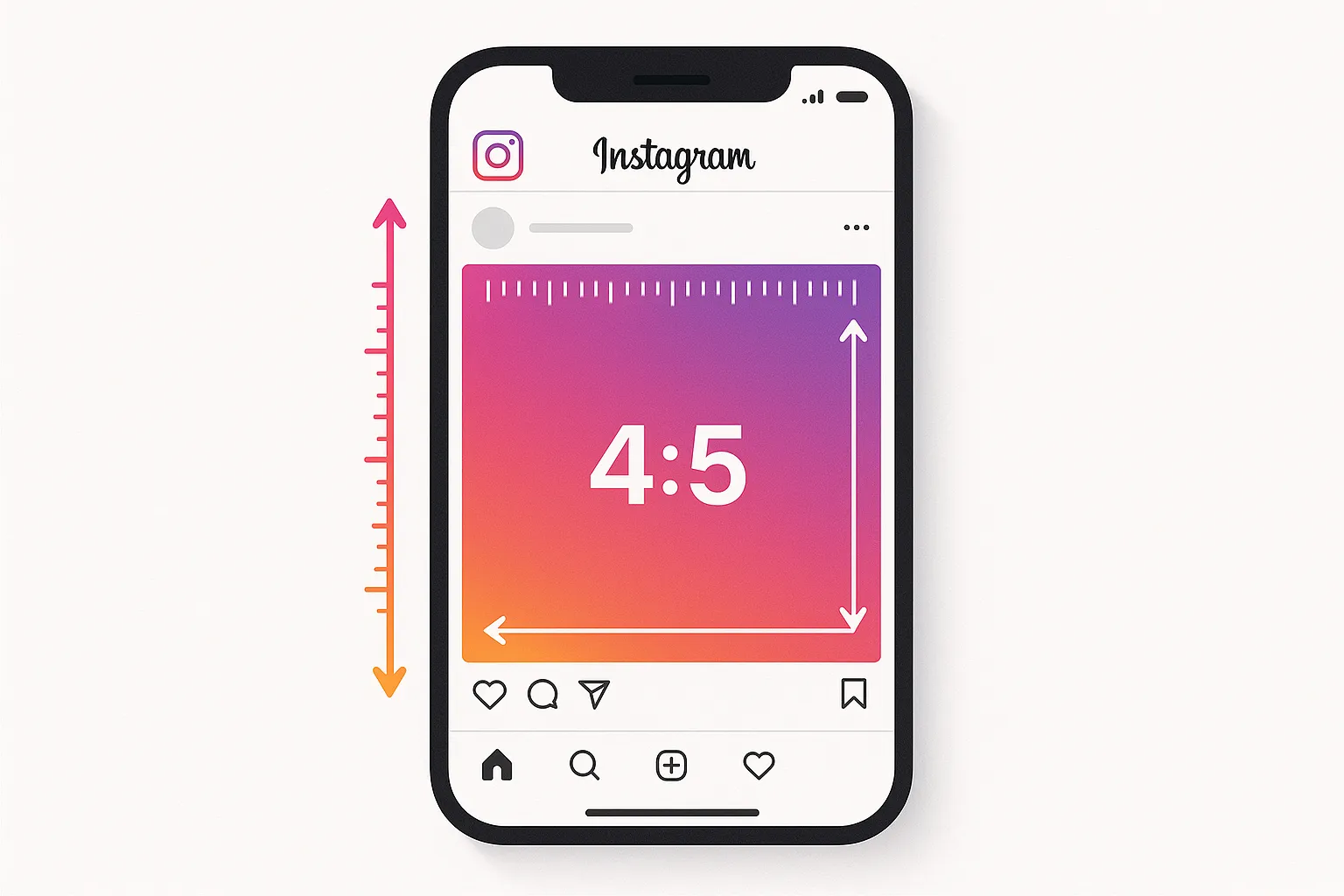
The ideal Instagram Story dimensions are 1080 x 1920 pixels (9:16 aspect ratio) — full vertical screen. Content that does not fill the full screen looks unprofessional and signals low effort. If you are creating graphics in Canva or another design tool, always start with the 1080x1920 Instagram Story preset. For video, film in vertical orientation at the highest resolution your phone supports.
How do I grow my Story views if they are currently low?
Story views are primarily driven by three factors: your overall follower engagement level, your Story posting consistency, and the interactivity of your Stories. To increase views, post Stories every single day for 30 days straight (consistency trains both the algorithm and your audience), include at least one interactive sticker per sequence (interactions boost visibility), and use strong hooks on your first frame (to prevent immediate exits). Most accounts see a 30-50% increase in Story views within 2-3 weeks of consistent, interactive posting.
Should I repost my feed posts to Stories?
Yes, but not as a lazy reshare. Simply sharing a feed post to Stories with no context is a missed opportunity. Instead, create a 2-3 frame arc around the feed post: a hook frame explaining why the post matters, the shared post itself, and a CTA frame telling people to go read the caption, save the post, or leave a comment. This approach drives meaningful traffic to your feed posts rather than just adding a low-effort frame to your Stories.
Ready to simplify your social media?
Post to Instagram, YouTube, TikTok, X, Threads, Pinterest, and Facebook from one dashboard.
Get Started Free →